
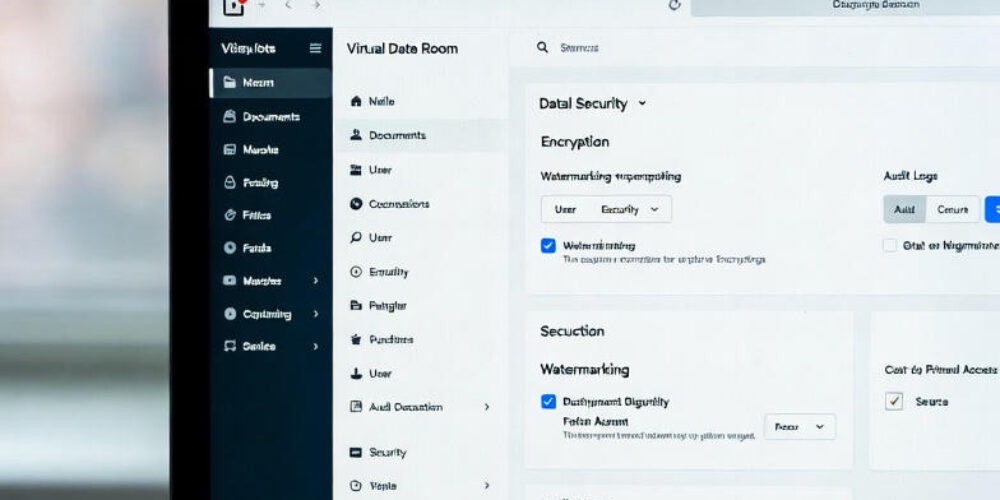
VDR built for M&A, Due Diligence, IPO etc.
bestCoffer offers the security and convenience you need.
Get in touch with bestCoffer to find out how we can support your business.
What is a virtual data room and how does it work? A virtual data room is a secure, cloud-based repository for confidential documents, enabling controlled sharing during sensitive business transactions. Here’s a step-by-step overview:
This article explains what are virtual data rooms in detail, breaking down their mechanics for beginners while highlighting how they differ from everyday file-sharing tools and why they are essential for secure, efficient workflows in business deals.
Introduction
In an era where data breaches make headlines regularly and regulatory scrutiny is at an all-time high, businesses need reliable ways to share sensitive information without risking leaks or compliance violations. Enter the virtual data room (VDR) — a specialized online platform built specifically for high-stakes scenarios like mergers and acquisitions (M&A), fundraising rounds, legal reviews, audits, and strategic partnerships.
Unlike general cloud storage services (such as Dropbox or Google Drive), a virtual data room prioritizes security, control, and traceability. It acts as a digital equivalent of the old physical “data rooms” — secure rooms filled with filing cabinets where potential buyers or investors reviewed documents under supervision. Today, VDRs eliminate the need for physical presence, travel, and manual oversight, allowing authorized parties to access files remotely 24/7 while every action is monitored.
For beginners, understanding how virtual data rooms work starts with recognizing their core purpose: enabling safe, auditable collaboration on confidential materials. The process is straightforward yet layered with protections at every stage. Administrators upload files, structure them logically, define who can see or do what, grant access to external parties, facilitate questions and discussions, and maintain a complete record of interactions.
This step-by-step guide is designed for newcomers — startup founders preparing for investment, corporate teams handling due diligence, or legal professionals managing document reviews. We’ll cover what sets VDRs apart, the exact setup and usage process, key features in practice, real-world applications, critical security aspects, answers to common questions, and final thoughts on getting started. By the end, you’ll have a clear picture of why VDRs have become indispensable tools in modern business transactions.
What Makes a Virtual Data Room Different?
Virtual data rooms stand out from standard cloud storage or file-sharing platforms due to their enterprise-grade design focused on confidentiality, control, and accountability.
General tools like Dropbox, Box, or OneDrive excel at everyday collaboration but fall short in high-risk environments. They often lack granular controls (e.g., preventing downloads or printing on a per-document basis), detailed audit trails for every page view, or built-in mechanisms to deter leaks like dynamic watermarking.
In contrast, virtual data rooms incorporate features tailored for sensitive transactions:
These differences matter because in deals involving millions (or billions) in value, even minor leaks can derail transactions or trigger legal issues. VDRs reduce that risk while speeding up processes — remote access eliminates travel, simultaneous review by multiple parties cuts timelines, and real-time tracking helps gauge interest.
For beginners, think of a VDR as a highly supervised digital vault: documents enter securely, access is tightly managed, every interaction is recorded, and the “room” can be locked or archived when the deal concludes.
Step-by-Step: Setting Up a Virtual Data Room
Setting up a virtual data room follows a logical, repeatable process. Here’s how it typically unfolds:
The entire setup can take hours to days, depending on document volume. Once live, the VDR becomes the central hub: users log in securely, view materials, ask questions, and collaborate without leaving the platform.
Core Features in Action
VDR features come alive during real usage:
These tools work together: permissions control entry, logs provide visibility, watermarks deter misuse, and Q&A streamlines communication.
Common Use Cases
VDRs shine in:
In each, VDRs solve pain points like version chaos, email risks, and lack of tracking.
Security Considerations
Security is paramount:
Regularly review logs, train users, and choose certified providers.
FAQ
What is a virtual data room used for? Secure sharing in deals like M&A, fundraising, audits.
How is a VDR different from Dropbox? Granular controls, audit trails, advanced security vs basic sharing.
How secure are virtual data rooms? Highly, with encryption, MFA, logs — far beyond standard tools.
How much does a VDR cost? Varies; project-based or subscription, often $100–$1000+/month.
Can beginners use a VDR? Yes — intuitive interfaces and support make setup straightforward.
Do VDRs support mobile access? Most offer responsive design or apps.
Conclusion & CTA
Virtual data rooms transform how businesses handle sensitive information — securely, efficiently, and transparently. From setup to collaboration and closure, they provide the control needed in high-stakes environments.
Ready to see one in action? Explore providers like BestCoffer for a demo and find the right fit for your needs.