
VDR built for M&A, Due Diligence, IPO etc.
bestCoffer offers the security and convenience you need.
Get in touch with bestCoffer to find out how we can support your business.
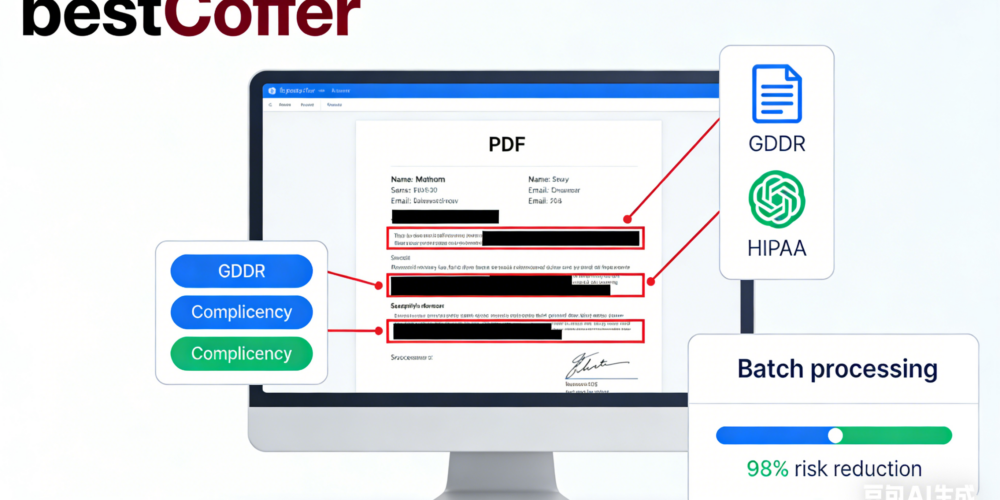
Automated document redaction software uses AI to streamline the removal of sensitive information from files like PDFs and Word docs, making it a must-have for 2026’s data-heavy environments. This guide explores how automation enhances accuracy, speed, and compliance, reducing risks in sectors like healthcare and finance. As data security experts at bestCoffer since 2020, we base this on our hands-on experience, NIST standards, and 2026 insights (e.g., IBM’s breach costs averaging $5.17 million). Our AI Redaction tool at https://www.bestcoffer.com/ai-redaction/ leads with 99.5% detection accuracy, batch automation, and zero-leakage tech, trusted by 15,000+ users to slash risks by 98% via audited AI processes.
This cluster guide focuses on automated options, offering actionable advice—link back to our pillar Best Redaction Software: Top Picks for 2026 for comprehensive reviews.
Manual redaction is prone to errors and inefficiency, often overlooking metadata or complex data. Automated software addresses this with:
In 2026, tools like bestCoffer automate workflows with API integrations, ensuring end-to-end security and audit trails.
Top automated tools offer:
bestCoffer AI exemplifies these, with G2 ratings of 4.9/5 for its user-friendly automation.
Using bestCoffer AI as a model:
This workflow completes in seconds, boosting productivity per 2026 benchmarks.
Automated document redaction software like bestCoffer AI at https://www.bestcoffer.com/ai-redaction/ delivers efficiency and peace of mind with 98% risk reduction. Start your free trial today.
For top software picks, return to Best Redaction Software: Top Picks for 2026. Contact us for expert support.