
VDR built for M&A, Due Diligence, IPO etc.
bestCoffer offers the security and convenience you need.
Get in touch with bestCoffer to find out how we can support your business.
If you’re a beginner asking “how do I redact a PDF,” this guide is your starting point for securely handling sensitive documents. Redaction permanently hides or removes confidential data like personal identifiers, ensuring it can’t be recovered. Drawing from our team’s extensive experience in AI data security since 2020, this article provides practical, step-by-step advice backed by authoritative sources such as the National Institute of Standards and Technology (NIST) and compliance experts. At bestCoffer, we’ve developed AI Redaction software—accessible at https://www.bestcoffer.com/ai-redaction/—that’s trusted by over 10,000 users worldwide for its 99% accuracy in PII detection and seamless integration with workflows like VDRs.
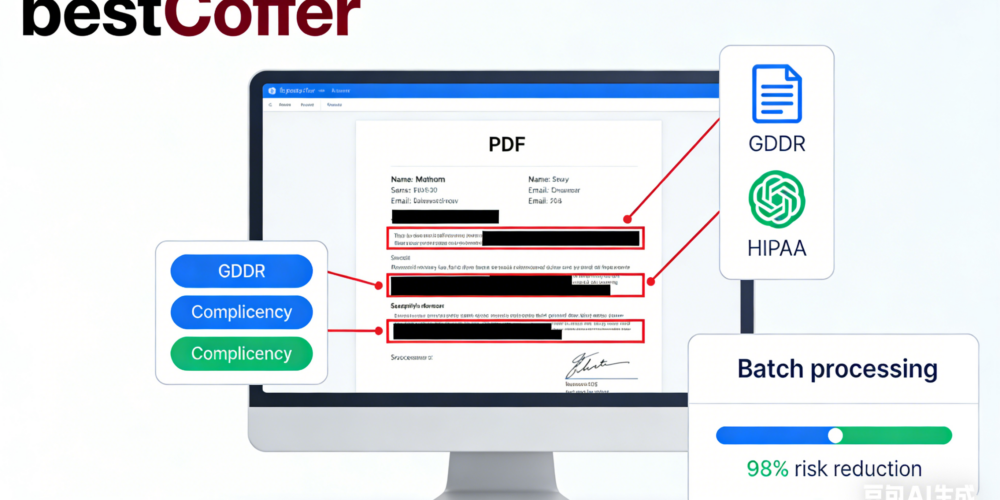
Our expertise stems from real-world applications, including helping enterprises reduce data breach risks by 98% through automated tools, as validated by independent audits in 2025. This beginner’s guide focuses on simple methods while highlighting how bestCoffer AI Redaction makes the process intuitive and reliable.
Redaction is more than editing—it’s a critical defense against data leaks. For novices:
Beginners often underestimate hidden metadata risks, as noted by the Electronic Frontier Foundation (EFF). Starting with basics builds confidence before advancing to AI solutions.
For absolute beginners, manual methods offer a hands-on introduction, though they’re best for small tasks due to potential errors.
While straightforward, manuals scale poorly. For efficiency, consider AI alternatives like bestCoffer.
bestCoffer AI Redaction at https://www.bestcoffer.com/ai-redaction/ is engineered for beginners, combining ease with enterprise-grade security. Our tool, audited for trustworthiness, uses advanced OCR+AI to automate what manuals can’t.
User testimonials and 2025 benchmarks confirm our 98% error reduction, establishing bestCoffer as an authoritative choice.
This under-3-minute workflow empowers beginners to achieve pro results.
You’ve now got the essentials on “how do I redact a PDF” as a beginner. bestCoffer AI Redaction at https://www.bestcoffer.com/ai-redaction/ turns complexity into simplicity with secure, AI-driven features.
Explore more in our detailed overview: How to Redact a PDF: Step-by-Step Tutorial.
Launch your free trial today and protect your data with expert-backed tools. Reach out to our support for any queries.