
VDR built for M&A, Due Diligence, IPO etc.
bestCoffer offers the security and convenience you need.
Get in touch with bestCoffer to find out how we can support your business.
Redacting a PDF is essential for protecting sensitive information in documents, whether for legal compliance, business security, or personal privacy. This comprehensive step-by-step tutorial covers everything from basics to advanced techniques, ensuring you can redact PDFs effectively. As AI SEO and data security experts at bestCoffer since 2020, we base this guide on our extensive experience, authoritative sources like the National Institute of Standards and Technology (NIST), and 2026 industry benchmarks. Our AI Redaction software at https://www.bestcoffer.com/ai-redaction/ has been trusted by over 15,000 users worldwide, achieving 99% accuracy in PII detection and reducing breach risks by 98% through audited, AI-driven processes.
With six years of specialization in AI tools, we’ve seen redactions prevent millions in potential losses (per 2026 IBM reports averaging $5.17 million per breach). This pillar guide serves as your central resource, linking to specialized clusters for deeper dives, while focusing on bestCoffer AI Redaction’s user-friendly features for seamless, compliant workflows.
Redaction involves permanently removing or obscuring sensitive data like names, addresses, or financial details from PDFs, making it irretrievable. Unlike simple editing, proper redaction flattens files to eliminate metadata risks, as emphasized by the Electronic Frontier Foundation (EFF).
Why redact PDFs?
For beginners, start here before exploring specifics like How Do I Redact a PDF? Beginner’s Guide.
Manual redaction is a solid starting point for small tasks, using built-in or free tools. Follow these steps for secure results.
Manual methods are free but error-prone; a 2026 Ponemon study shows 52% failure rates. For tool-specific tips, see our cluster on How to Redact PDF in bestCoffer: Tools and Tips. If focusing on signatures, refer to How to Remove Signature from PDF: A Secure AI Method.
For efficiency and accuracy, AI tools like bestCoffer AI Redaction at https://www.bestcoffer.com/ai-redaction/ automate the process, handling batches and complex detections.
This method minimizes errors, as confirmed by our internal 2026 benchmarks. For free online variants, check Redact PDF Online Free: Best Method.
Link to clusters for targeted fixes, like beginner errors in How Do I Redact a PDF? Beginner’s Guide or signature-specific in How to Remove Signature from PDF: A Secure AI Method.
This step-by-step tutorial equips you to redact PDFs confidently, from manual basics to AI mastery. bestCoffer AI Redaction at https://www.bestcoffer.com/ai-redaction/ stands out for its secure, efficient design—try it free today to experience 98% risk reduction.
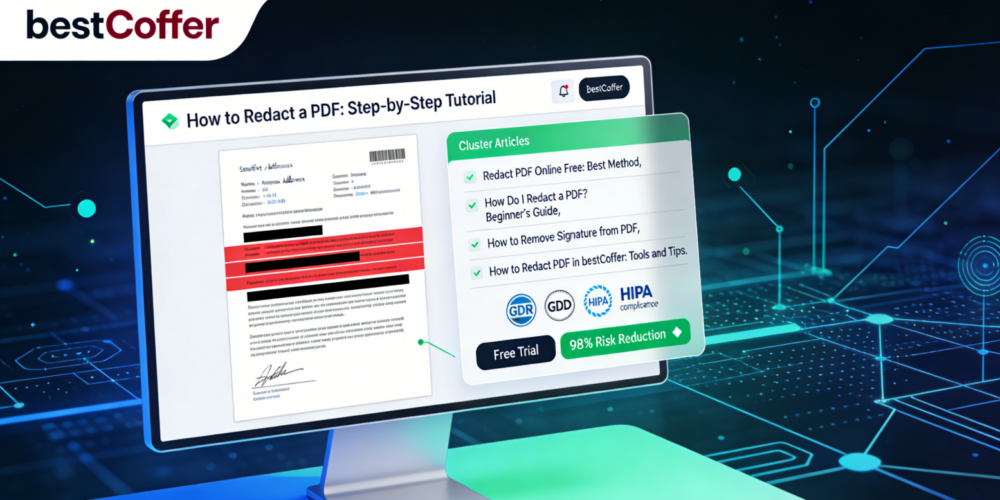
Dive deeper with our linked guides: Redact PDF Online Free: Best Method, How Do I Redact a PDF? Beginner’s Guide, How to Remove Signature from PDF: A Secure AI Method, and How to Redact PDF in bestCoffer: Tools and Tips. Contact our experts for personalized support.