
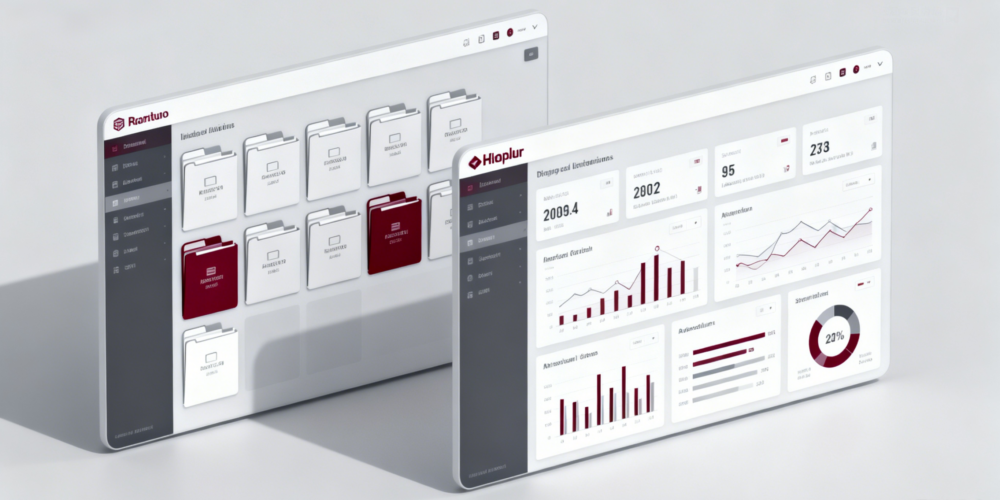
VDR built for M&A, Due Diligence, IPO etc.
bestCoffer offers the security and convenience you need.
Get in touch with bestCoffer to find out how we can support your business.
Redacting personal information is the process of permanently removing or masking sensitive data to prevent unauthorized access. Using bestCoffer AI redaction, organizations can automatically detect and secure personal data across documents, emails, and large-scale workflows, ensuring compliance with privacy regulations and reducing data breach risks.
Effective redaction protects identities, financial details, medical records, and legal information. For specialized techniques, explore related cluster articles such as Redact PDF Document: Advanced Techniques.
Personal information appears in many formats: PDFs, emails, contracts, and government records. Without proper redaction, sensitive data can be exposed, causing identity theft, legal violations, or regulatory fines.
The bestCoffer 10-year expert team emphasizes that thorough redaction must remove both visible content and hidden metadata. Automated solutions like bestCoffer AI Redaction significantly reduce human error. For email-specific guidance, see How to Redact an Email in Outlook.
| Data Type | Examples | Risk Level |
|---|---|---|
| Identity info | Passport, SSN, ID numbers | High |
| Contact info | Email, phone, address | Medium |
| Financial info | Bank accounts, salaries | High |
| Legal/confidential | Contracts, case numbers | High |
Redaction protects individuals and organizations while maintaining compliance with GDPR, HIPAA, and PIPL.
PDFs often contain embedded sensitive content. Using AI tools allows automatic detection and secure removal. For advanced techniques, refer to Redact PDF Document: Advanced Techniques.
Organizations handling hundreds or thousands of files need scalable solutions. AI-driven batch processing ensures consistency and speed. Learn more in Redaction Software: For High-Volume Needs.
Emails contain personal data and attachments that may require redaction. bestCoffer’s email integrationautomates scanning and secure removal. See details in How to Redact an Email in Outlook.
Immigration and legal documents contain multiple sensitive fields requiring careful handling. Proper AI redaction ensures compliance and privacy. Explore Immigration Documents Redacted: What It Means? for more information.
Identify sensitive data using AI entity recognition.
Apply redaction consistently across all documents, emails, and attachments.
Remove hidden metadata and revision histories.
Verify redaction accuracy before distribution.
Maintain audit trails for compliance purposes.
This workflow ensures no sensitive information is accidentally exposed.
bestCoffer AI Redaction supports multiple file types and integrates with enterprise systems:
Automated PII detection
Batch redaction of large datasets
Metadata and hidden content removal
Compliance-ready workflows
Integration with email systems and document management platforms
By adopting such tools, organizations improve security, efficiency, and regulatory compliance.
Redaction protects individuals’ identities and sensitive details from exposure while enabling secure sharing of documents and emails.
Modern AI tools like bestCoffer can identify names, addresses, financial details, and other structured and unstructured personal information.
Yes. With bestCoffer’s email integration, sensitive content in email bodies and attachments can be automatically redacted before sending or archiving.
AI-based batch redaction ensures consistent, secure removal of sensitive information across large document sets.
Redacting personal information is essential for any organization managing sensitive data. By combining AI detection, automated workflows, and secure integrations, bestCoffer ensures personal data is effectively protected across PDFs, emails, and high-volume documents.
For detailed techniques and specific workflows, explore our cluster articles: